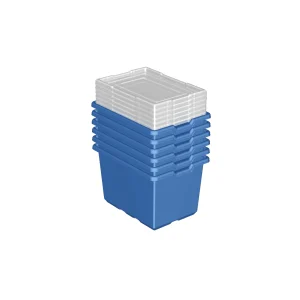
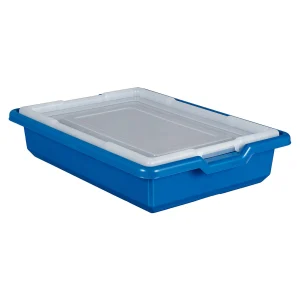
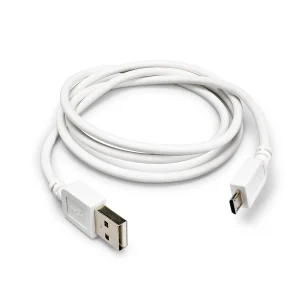
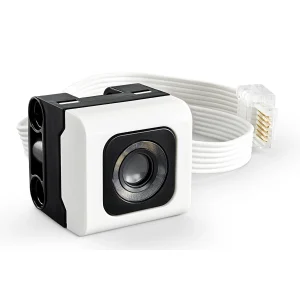
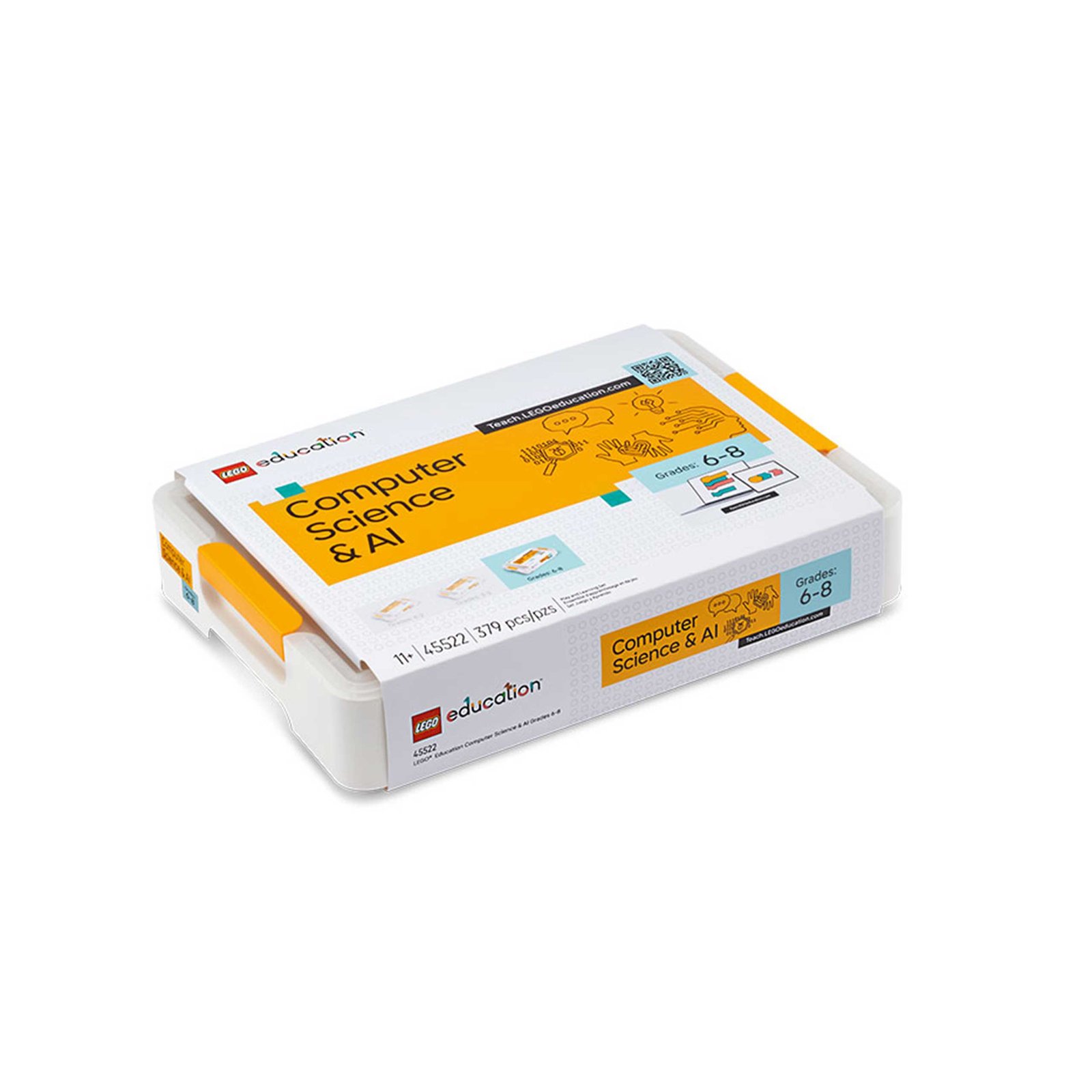
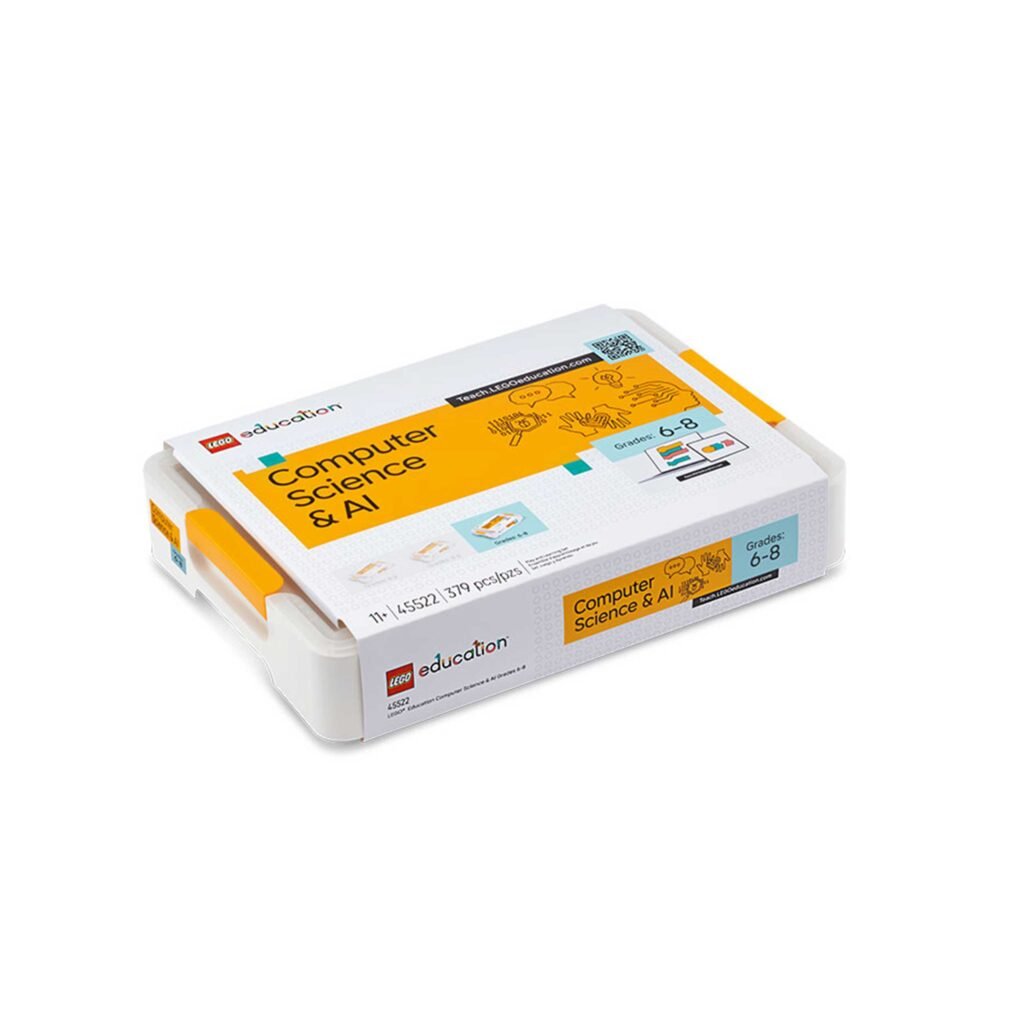
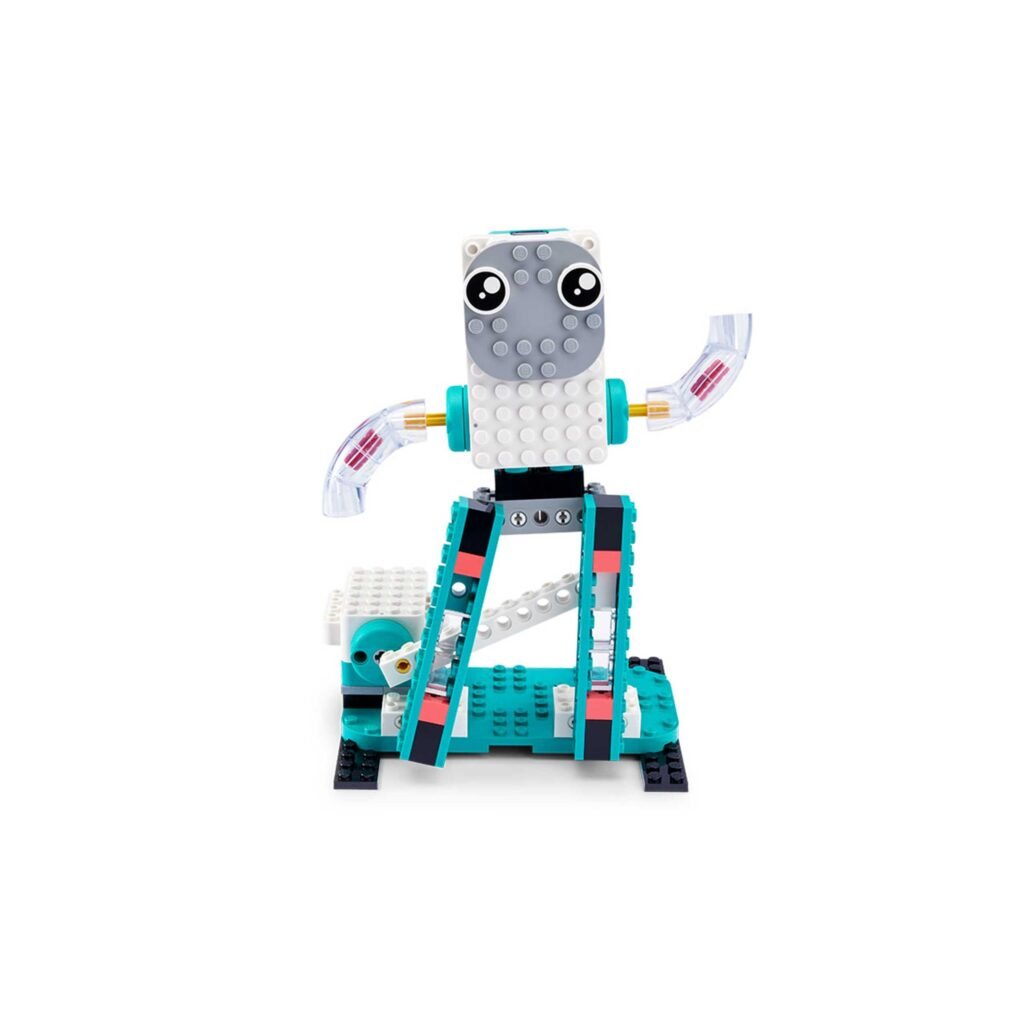
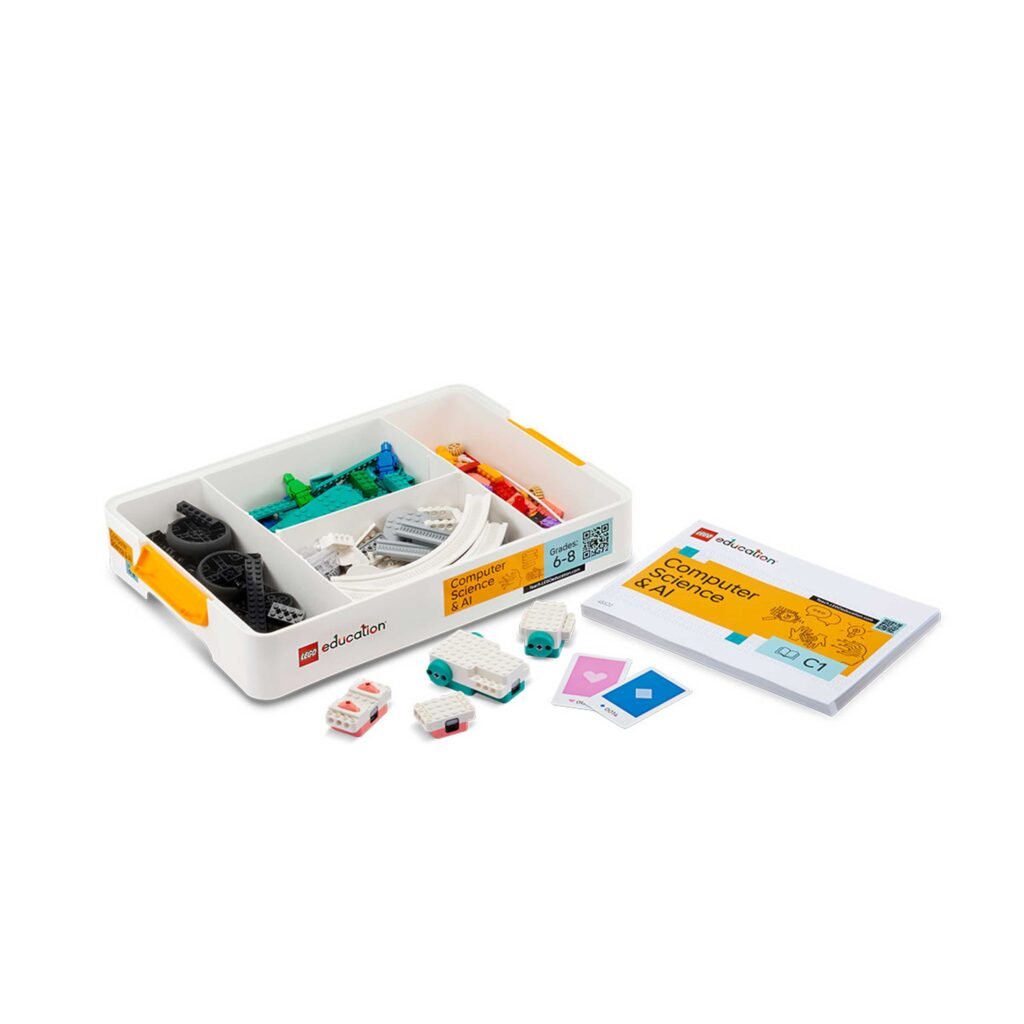
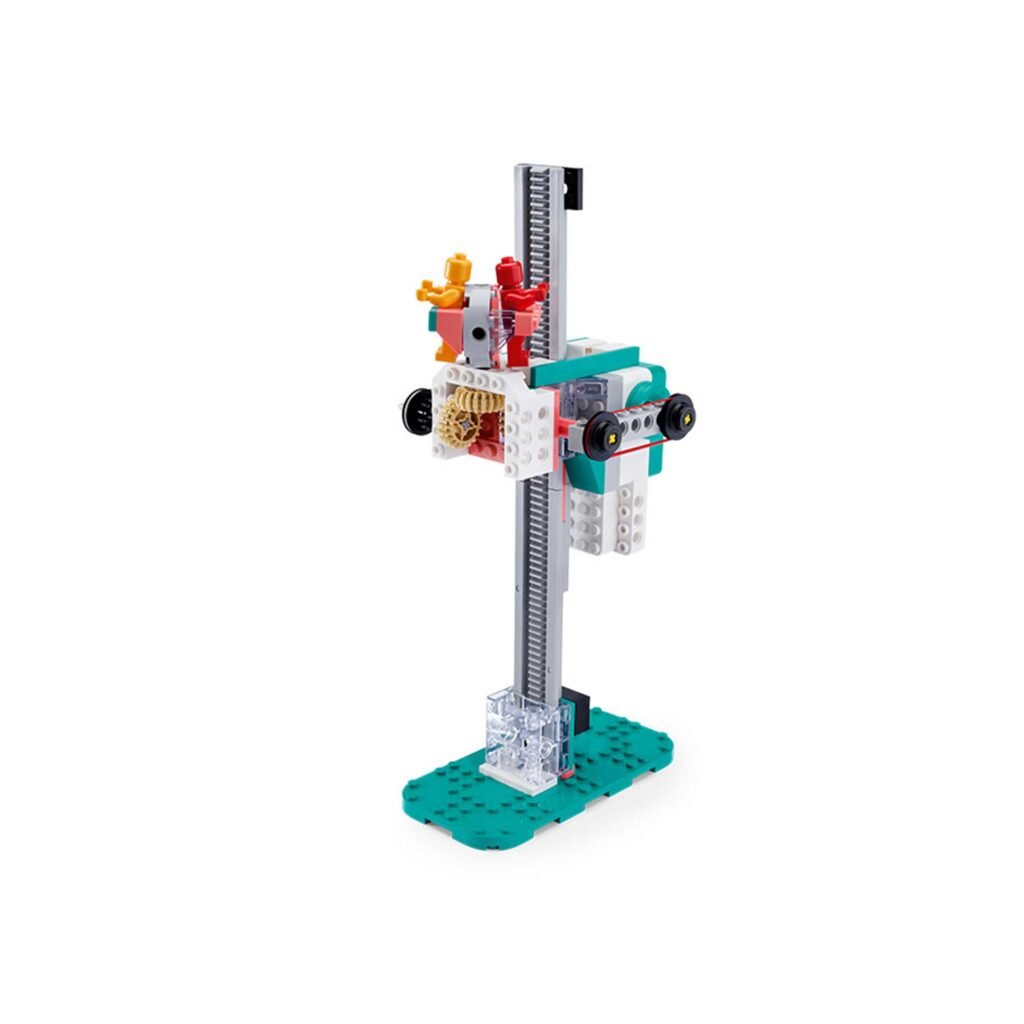
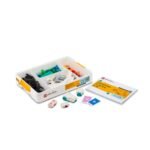
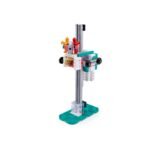
K-12th Grade Computing & AI Set The LEGO® Education K-12th Grade Computing & AI Set engages students in experiential learning, regardless of skill level. Each set includes 379 LEGO® bricks, a dual motor, a single motor, a color sensor, a controller, two connection cards, and building instructions, offering four students multiple collaborative experiences that connect to their real-world interests. Each lesson cultivates computational thinking skills such as problem solving, logic, and creativity, empowering students to move confidently into a world powered by AI
30 Experiential Computing Lessons for K-12th Grade 30 easy-to-follow, 45-minute lessons aligned with educational standards are organized into six modules, each containing four lessons and a design challenge. The sequential activities teach key skills with clarity and focus, before culminating in an open-ended design challenge that allows students to use all their new skills and imagination. Lessons are designed for all students, with content that is appropriate for their level – simple enough for them to get started right away with no prior experience, but challenging enough for more experienced students to explore endless possibilities
Educator Support Free and unlimited access to the LEGO® Education Teacher Portal, with getting started materials, mediation notes, classroom-ready presentations and a library of lessons always at their disposal. Ready-made lesson plans enable educators—even those with no prior experience in computer science or AI concepts—to spend less time preparing and more time inspiring and discovering
LEGO® Education Coding Canvas This simple, word-block-based Coding Canvas is safe and easy to use, and accessible via a web browser or iOS app. A lesson pin allows students to quickly connect to lessons, with all data stored locally—no login or sharing of student information required—enabling them to explore coding and the possibilities of AI in a safe environment.
LESSONS
Unit 1: Basics
Students explore the Coding Canvas material and application. Students create pseudocode to decompose and solve
problems
Unit 2: Loops
Students learn about loops. Loops repeat a sequence of code multiple times
Unit 3: Conditionals
Students learn about conditionals, which perform
different actions depending on whether the conditions are true or false
Unit 4: Variables
Students learn about variables. Students use variables to store, retrieve, and interact with data
Unit 5: Functions
Students learn about functions. Functions can be used to design modular programs
Unit 6: AI & Data
Students engage with AI categorization to explore how
computers can learn from data